3D Scene Builder (DEMO)
A downloadable Software for Windows
BUILD - PLAY - USE
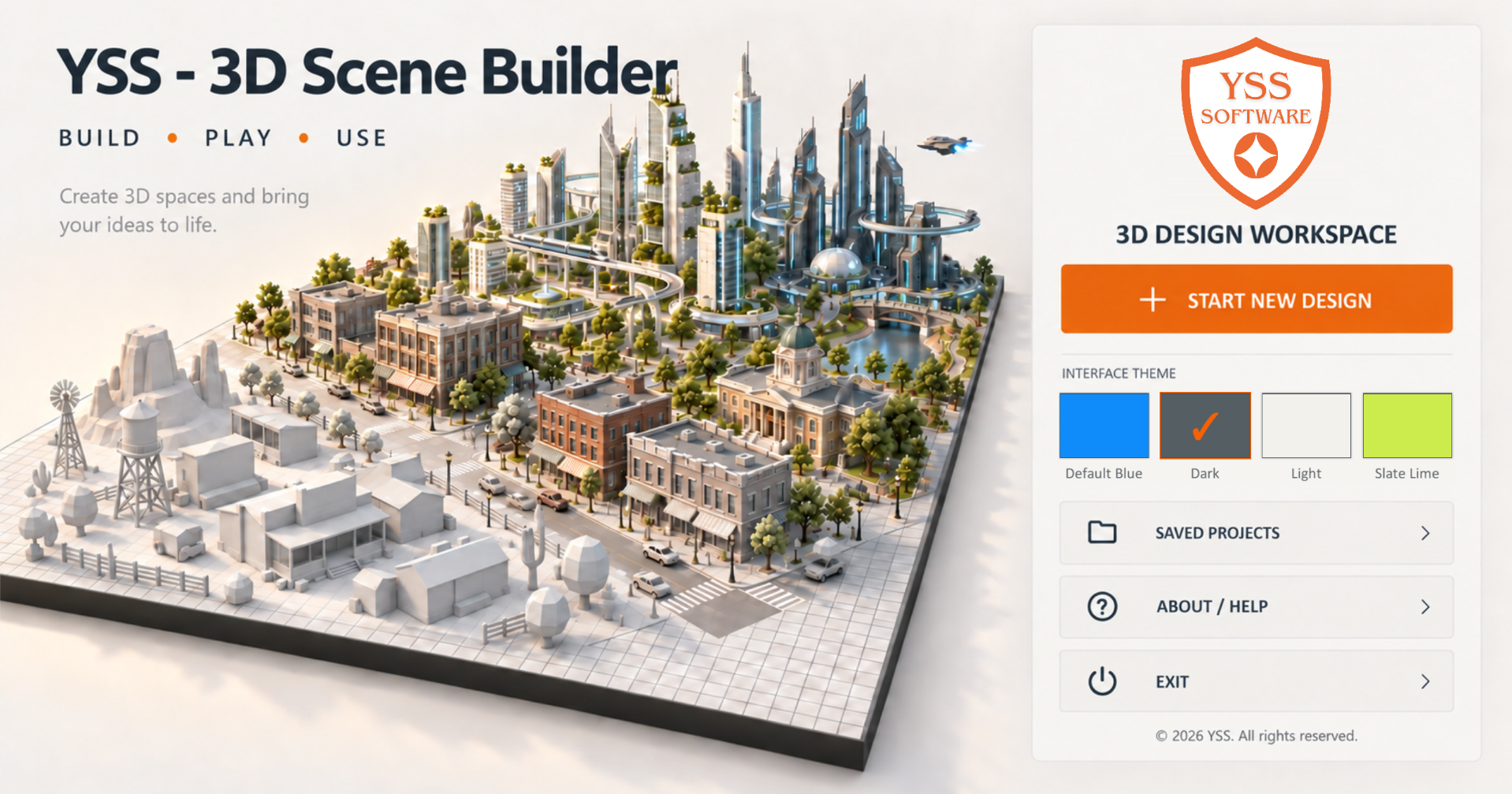
A flexible 3D design workspace for building, customizing, organizing, and testing interactive environments. Thousands of free models to use & customize. Import your own models.
DEMO Version: Has a time limit of 2 hours.
USES:
- 3D world building
- Level design
- Presentations
- Education
- Real world design
- Fictional world design
- Comic book creation
- Conceptualization
FEATURES:
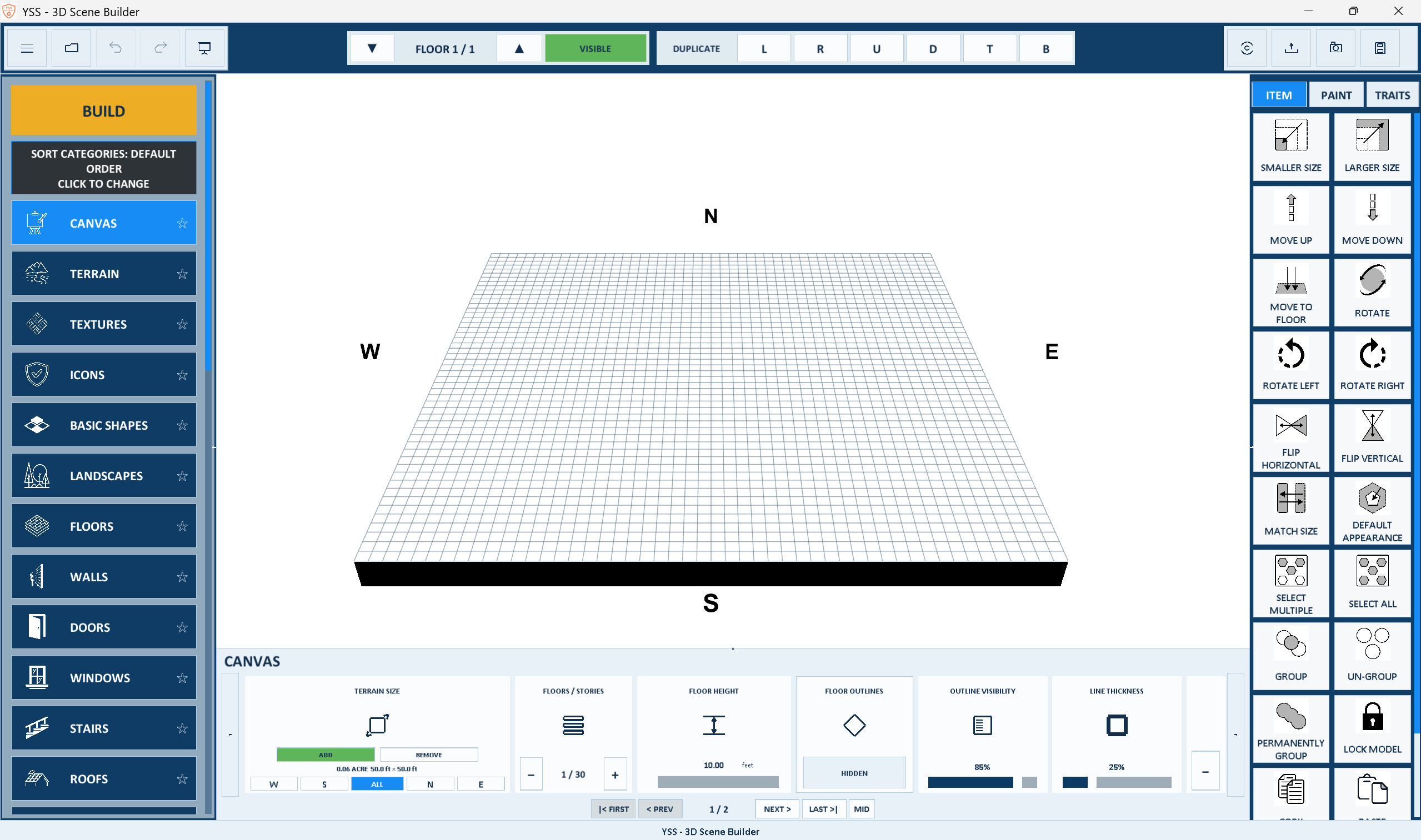
1. 3D Scene Designer
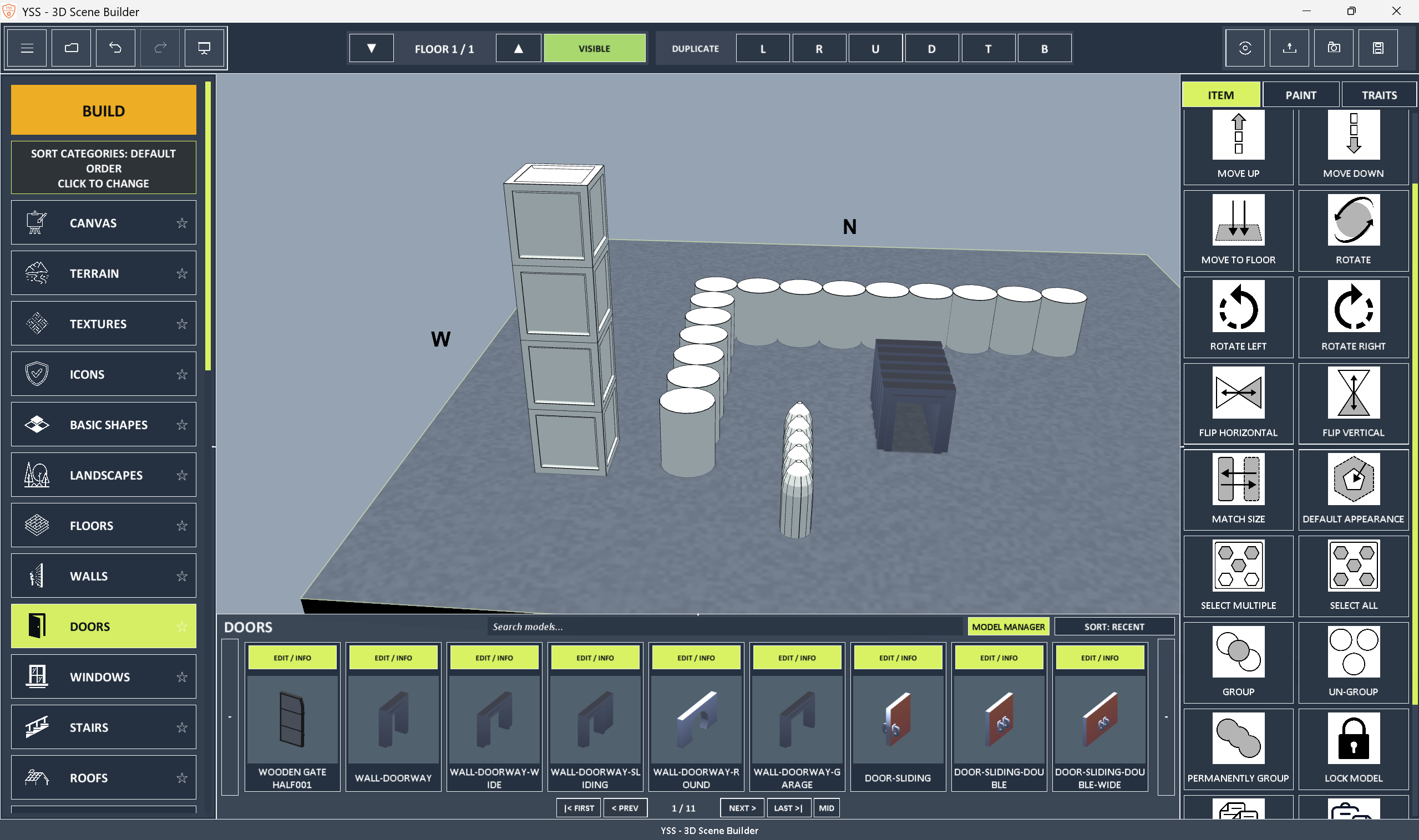
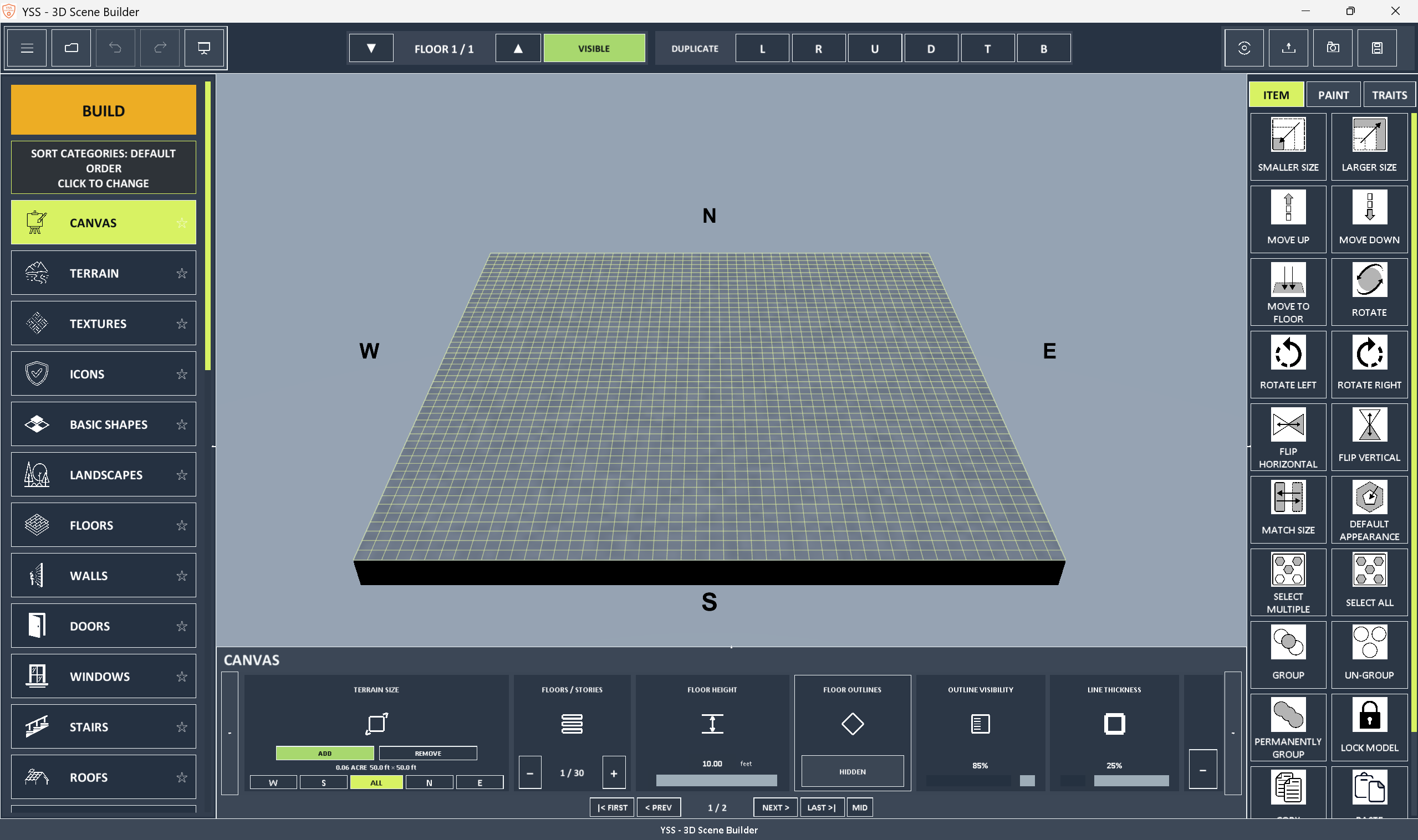
- Create detailed 3D workspaces, facilities, layouts, scenes, and environments
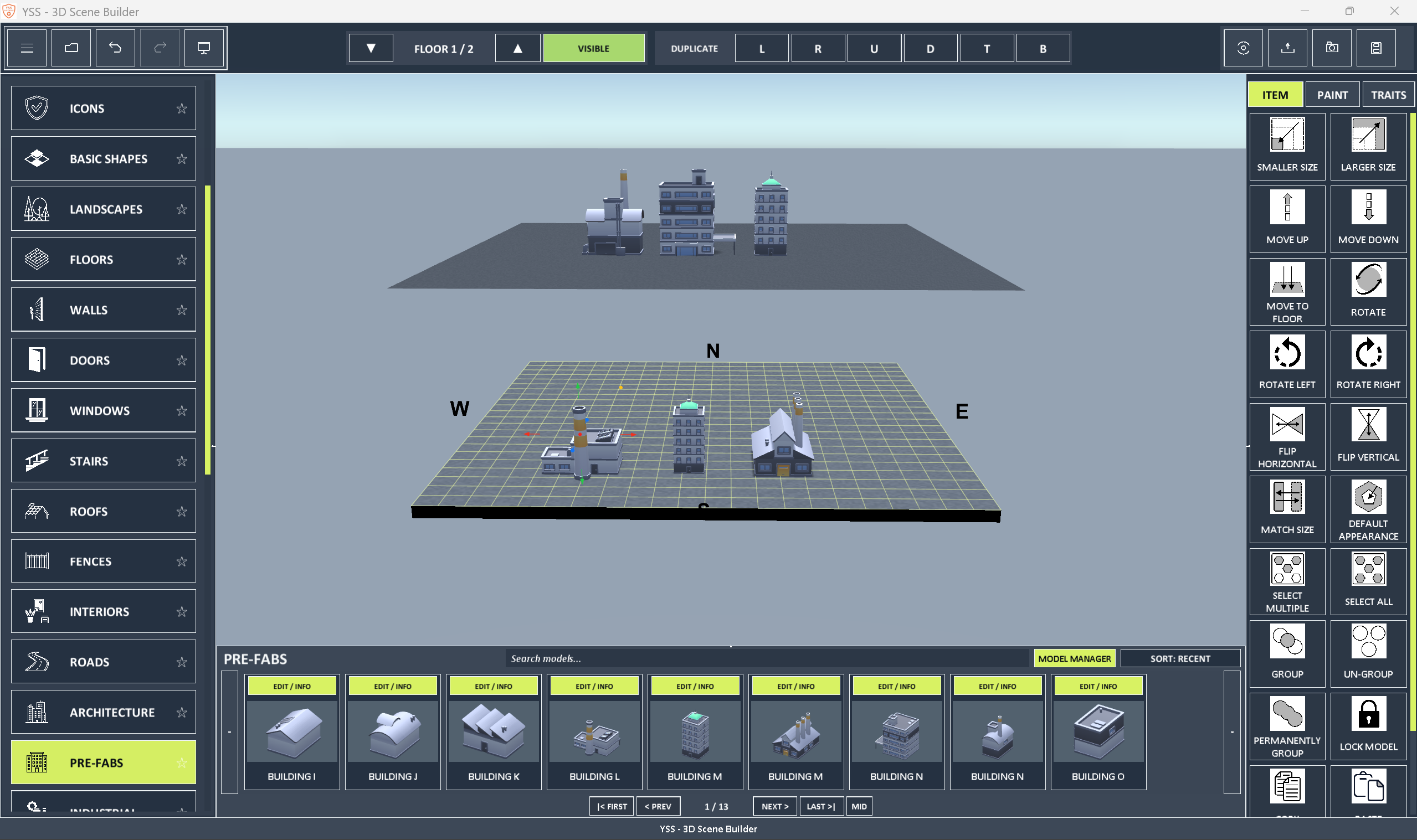
- Build across multiple independent floors
- Design terrain, floor surfaces, models, and placed objects
- Use grids, compass controls, measurements, floor outlines, and line-thickness controls
- Work with a scalable visual canvas
2. Terrain creation and sculpting
- Create editable terrains
- Sculpt terrain elevation and surface shape
- Paint terrain with colors, materials, and textures
- Independent terrain brush settings
- Control terrain texture scale separately from model texture
3. 3D model library
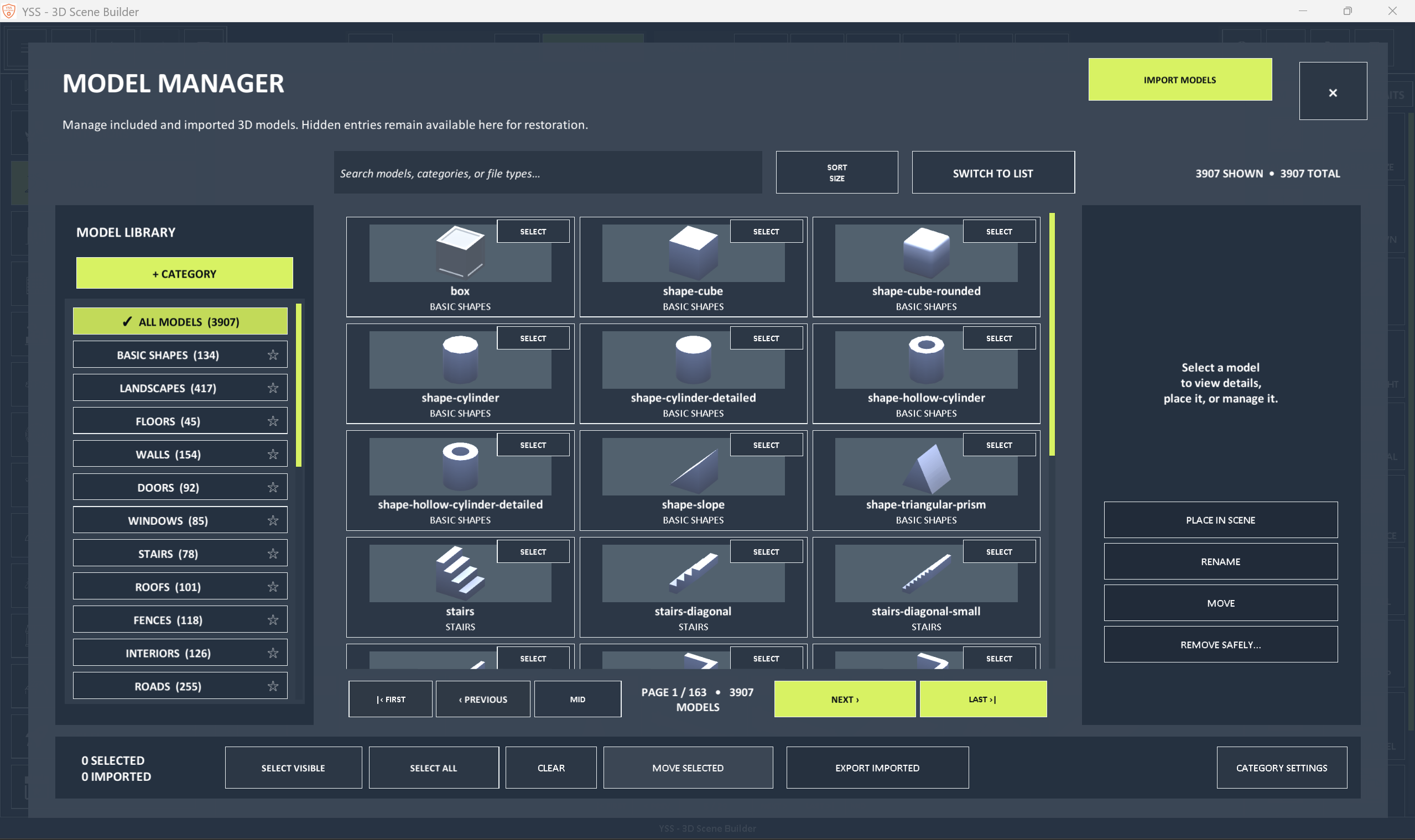
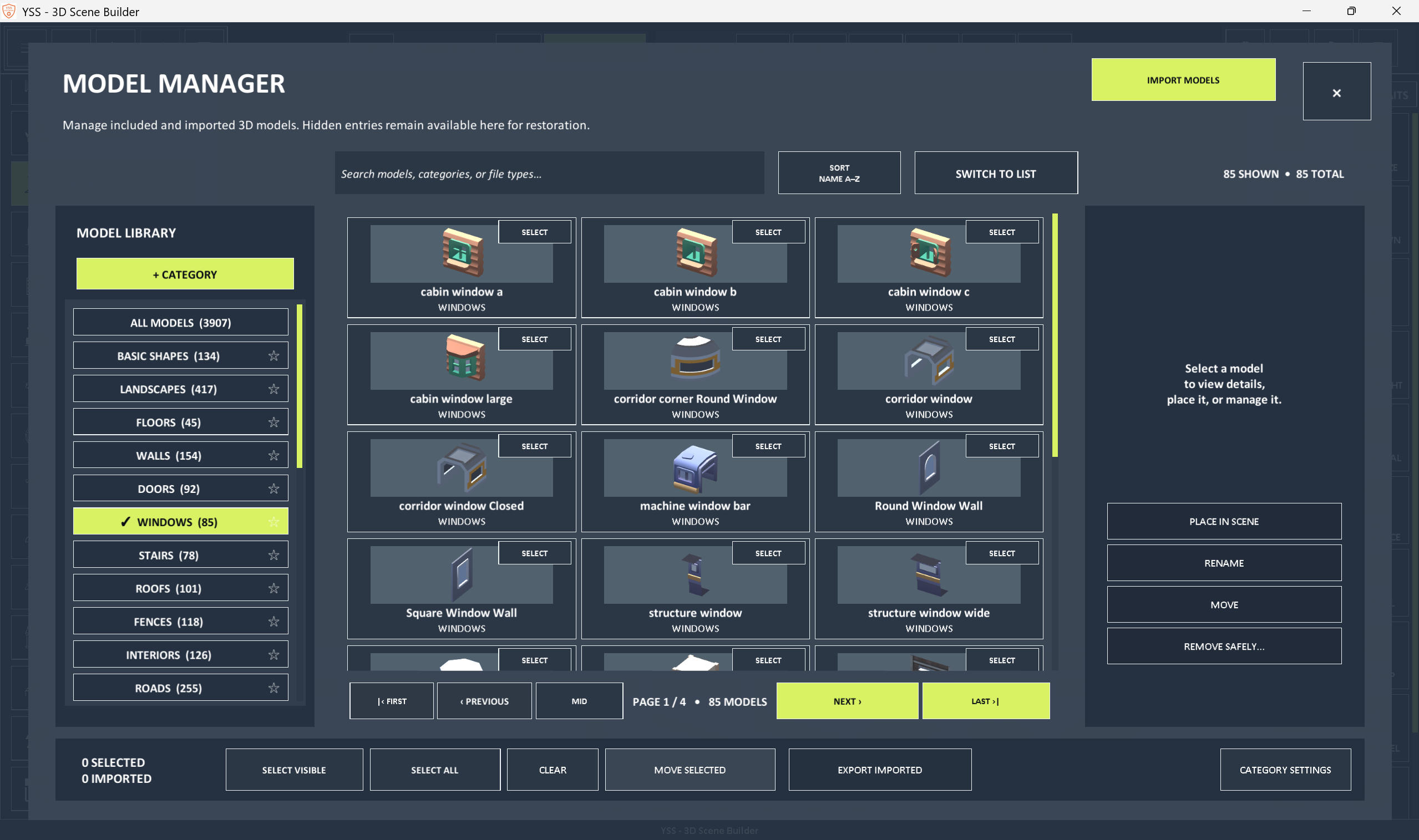
- Browse a library of included 3D models
- Organize models into categories
- Rename, reorder, hide, show, transfer, and safely delete custom categories
- Bulk-manage imported and included models
- Use dedicated workspace, texture, and icon asset categories
4. File import support
- Import OBJ, GLB, FBX, GLTF, and STL models
- Import custom PNG and JPG images and textures
- Select multiple files—or only selected files—from a file picker
- Receive an import warning rather than a hard failure when an OBJ’s material reference is absent
- Place imported models directly into the 3D workspace
5. Model selection and placement
- Select models from visual inventory cards
- Place imported and included models onto the canvas
- Spray-paint visible sides of imported models more accurately (builder mode)
- Keep models selectable, editable, paintable, groupable, and savable
6. Item manipulation
- Select and move objects directly in the workspace
- Duplicate objects in six directions for fast building
- Access 22 consistent, numbered Item actions
- Use uniform action buttons with readable labels
- Scale action icons proportionally with the interface
7. Groups and object organization
- Group multiple objects into one
- Move, rotate, and transform a group around a shared pivot
- Create Permanent Groups
- Preserve group name, identity, membership, and permanent state
- Maintain group behavior through project workflows
8. Traits and object information
- View a vertically organized list of canvas objects
- Select objects from the Traits list
- Review object information
- Control Lock Dimensions through selected-object properties
- Control Collision through selected-object properties
9. Painting tools
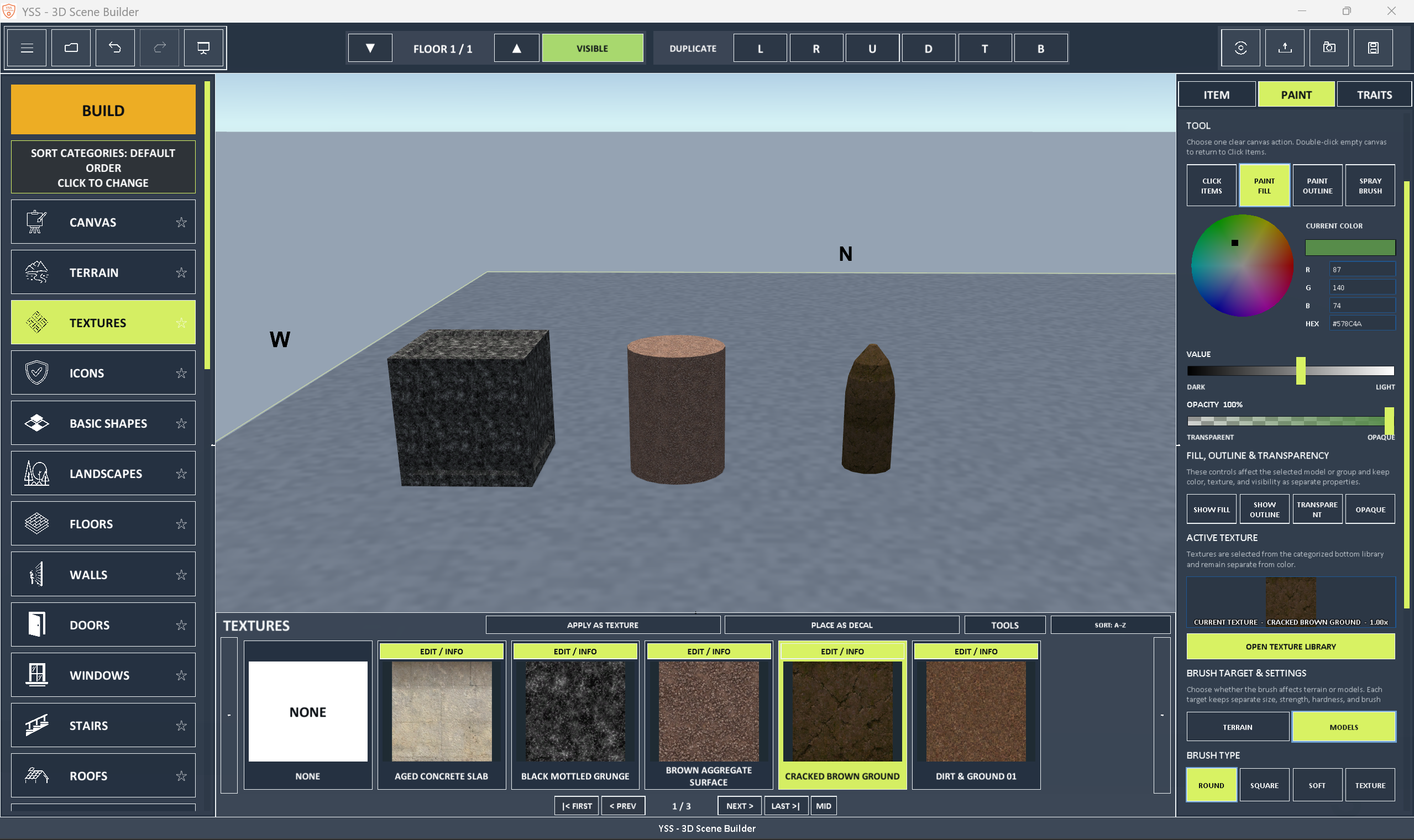
- Click-to-paint items using hex controls
- Paint floor or canvas models
- RGB color controls
- Adjust light-to-dark color values
- Control opacity and transparency
10. Textures and materials
- Navigate texture categories and groups
- Apply textures to terrain, floor, and 3D models
- Switch between model-attached and world-fixed texture behavior
- Retain sprayed model textures when changing texture-space modes
- Keep materials from becoming a duplicate texture library
11. Outlines and visual presentation
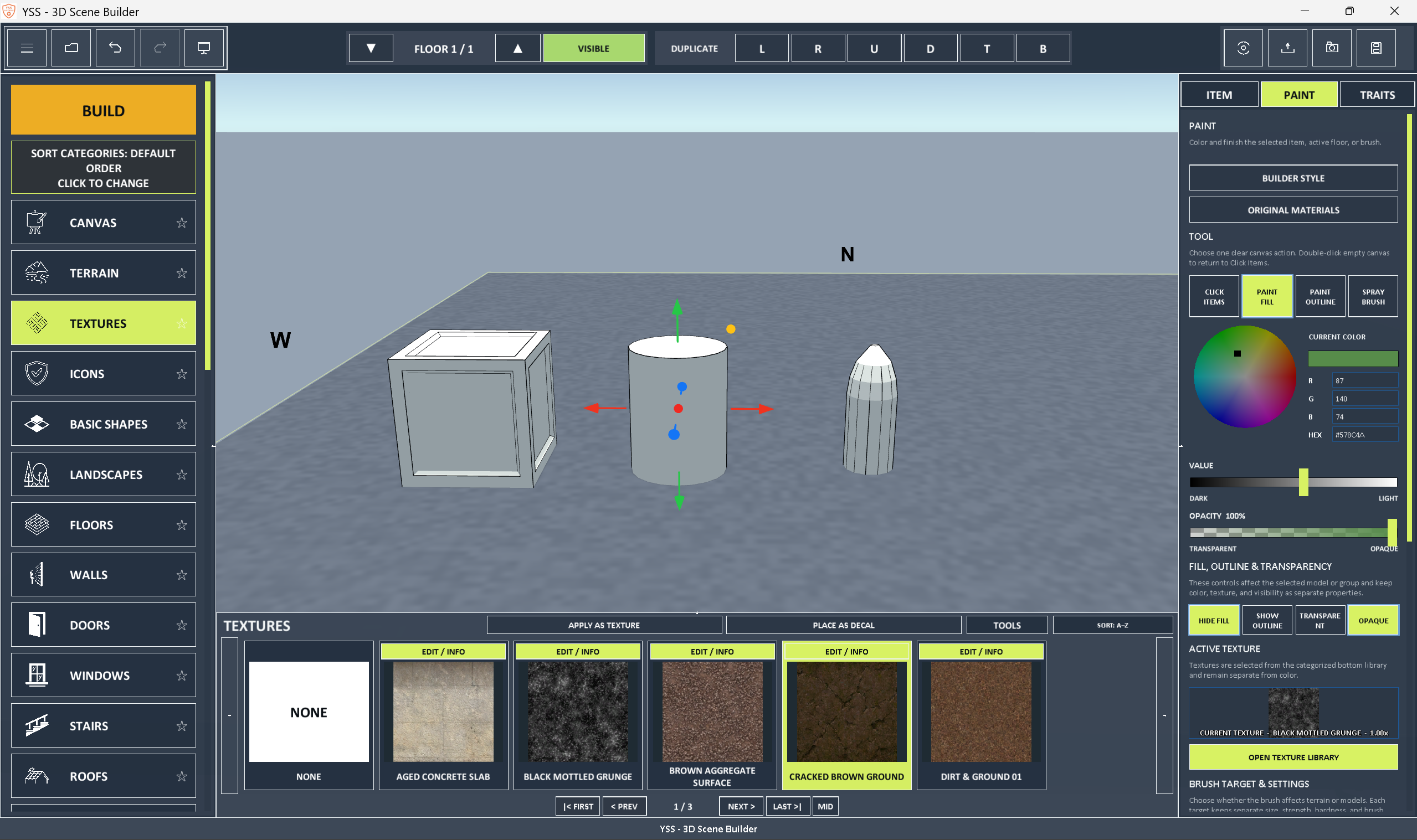
- Give default models a light fill with controlled black feature outlines
- Turn outlines on or off
- Change outline colors
- Adjust outline appearance without detached or overly thick lines
- Maintain clear model visuals after painting and texturing
- Keep visual presentation consistent across supported interface themes
12. Image icon library
- Page through icon collections
- Upload PNG and JPG images
- Use an icon category that remains available
13. Editable decals and stickers
- Upload image decals
- Select textures and place them as decals
- Select icons and place them as stickers
- Place decals on flat and curved surfaces
- Add up to 32 editable stickers per model
14. Workspace organization
- Expandable workspace sections
- Manage categories using a shared, consistent system
- DEFAULT and USER CREATED settings
- Reorganize default categories safely
- Transfer categories between sections
15. Inventory and workspace tools
- Browse models and textures with a navigable inventory
- Search inventory contents
- Adjust bottom menu inventory height
- Use dedicated icon upload and management tools
- Add and manage texture categories directly
16. Interface customization
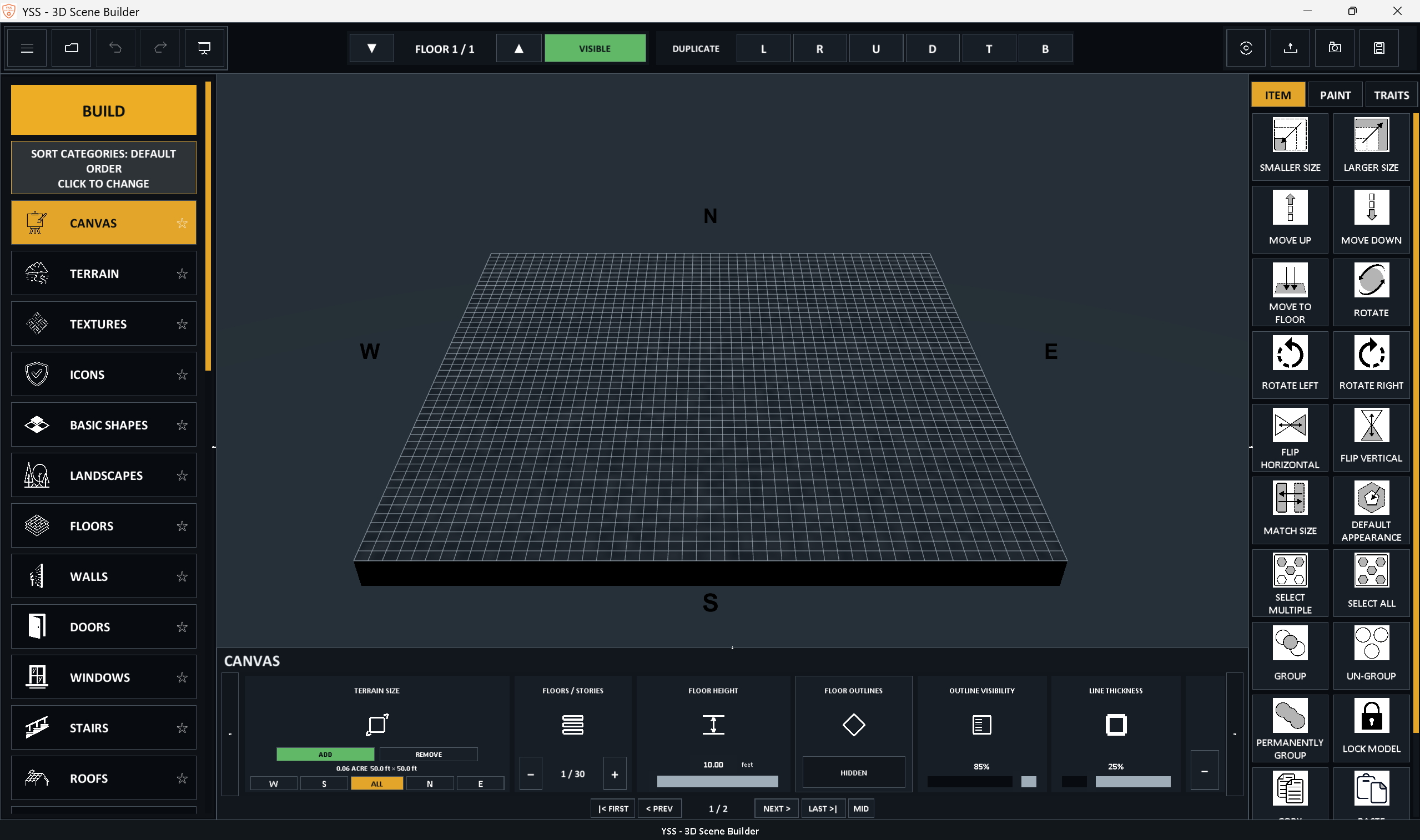
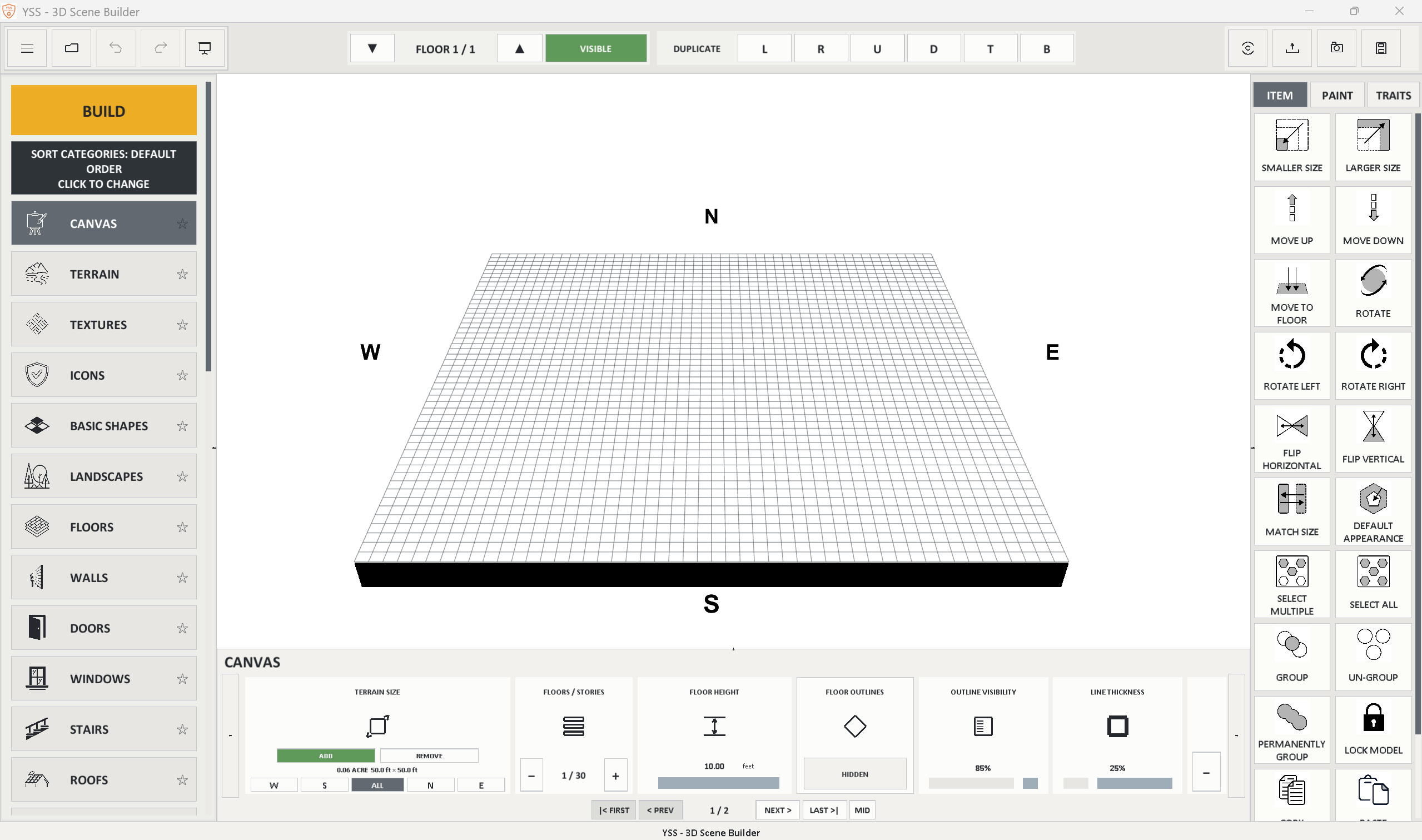
- Choose from four visual themes: Default Blue, Dark, Light, Slate Lime
- Adjust icon sizes and scale the interface
- Resize left, right, and bottom workspace panels
- Use F11 full-screen while keeping menus available
- Use F10 to hide or restore workspace panels
17. Saving, loading, and interoperability
- Save editable 3D Builder projects
- Load editable projects independently of exported 3D model files
- Preserve applicable editable model properties
- Export selected models and groups as Wavefront OBJ/MTL
YSS - 3D Scene Builder is the property of YSS - Software and it's owner. All copyright, patent law, and legal restrictions apply. May not use to train AI.
Download
Click download now to get access to the following files: